
Available nowChrome extension
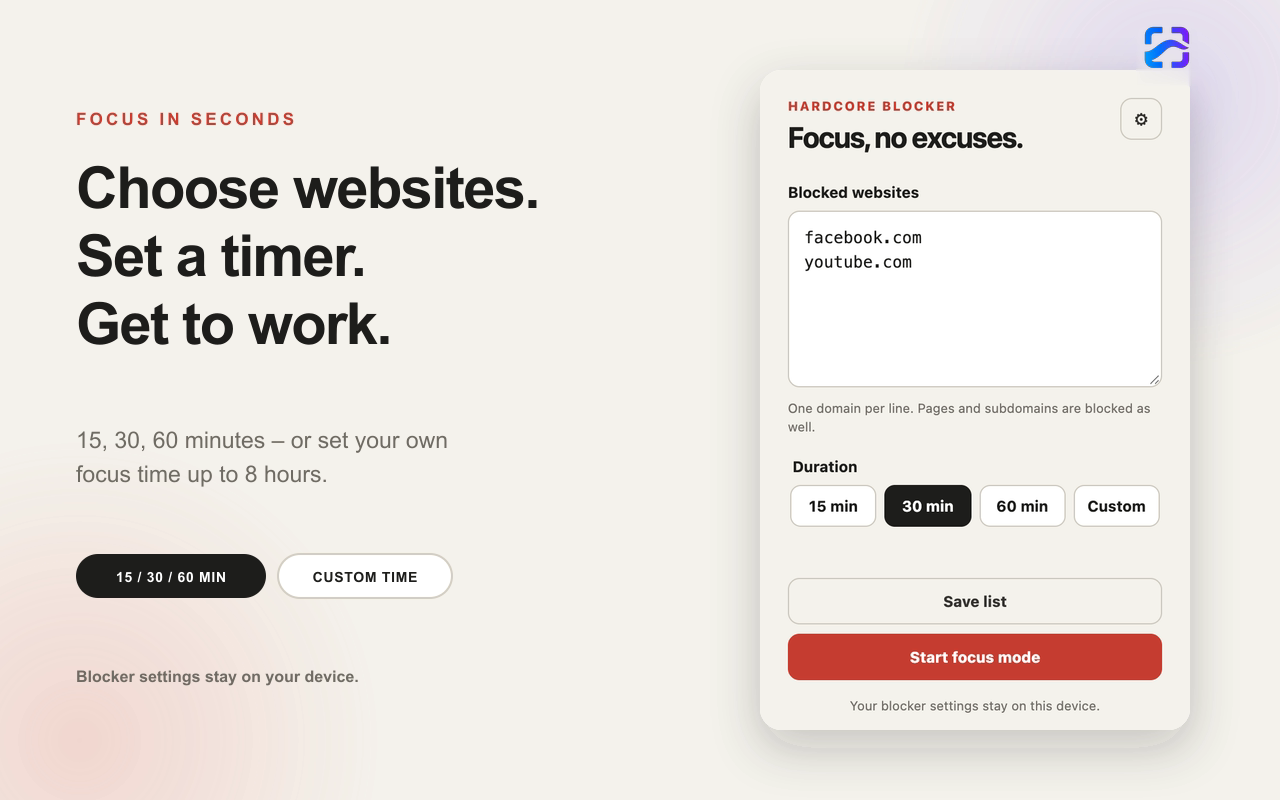
Hardcore Website Blocker
Block the sites that pull you away.
Domain-based blocking, sessions from 5 minutes to 8 hours, and one license for up to three active devices.
Independent focus software
Choose what gets blocked and for how long before the distraction appears. Hardcore Website Blocker is available for iPhone and Chrome.
One clear purpose
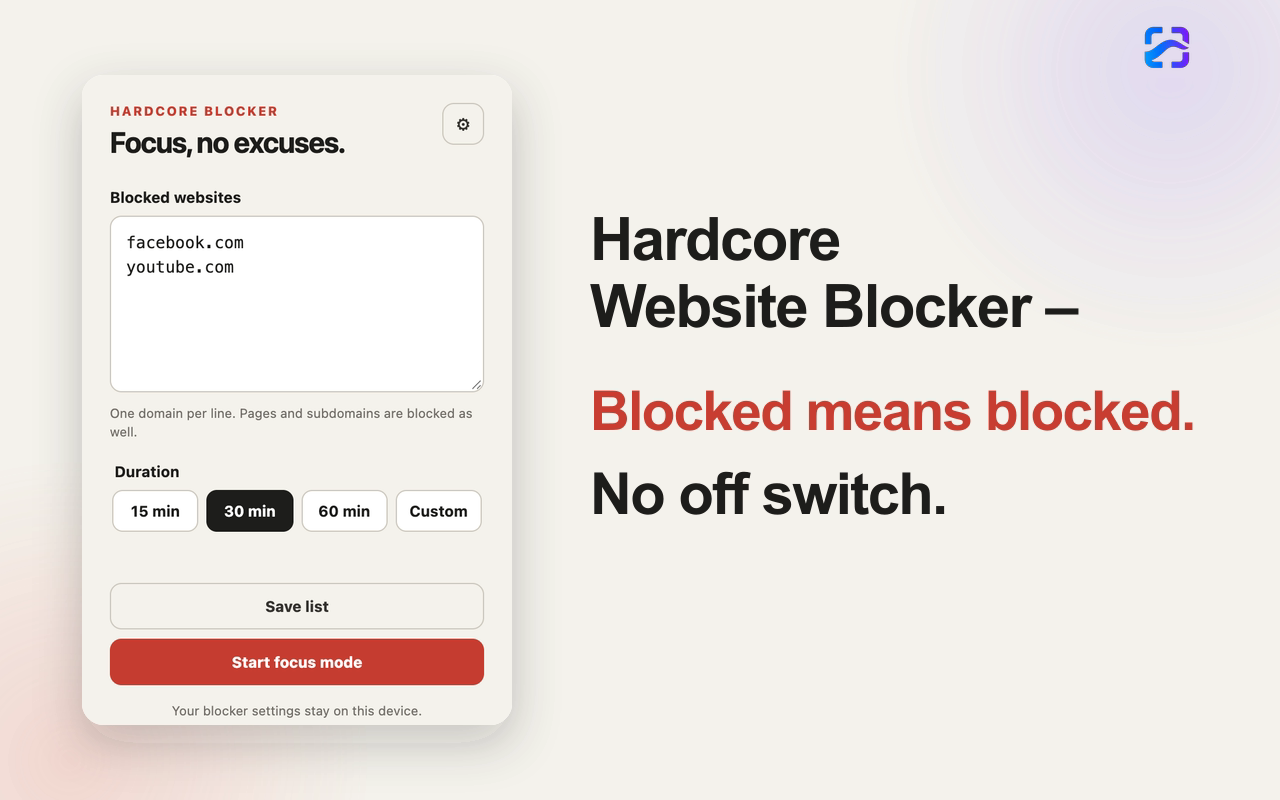
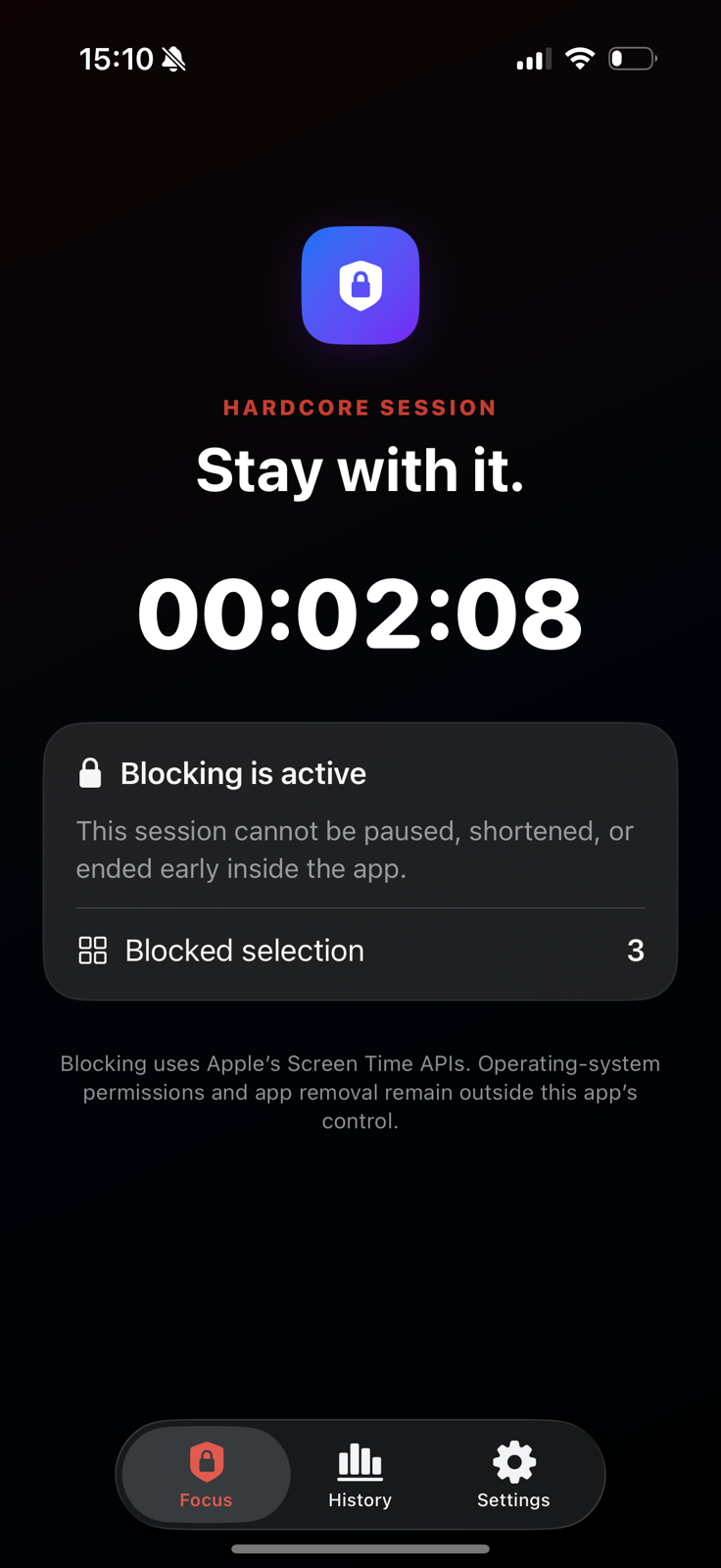
Select the distraction and duration up front. The chosen controls then remain locked inside the product until time is up—without feeds, points or behavioural tracking.
A deliberate sequence
Enter website domains in Chrome, or select apps, categories and websites on iPhone.
Pick a preset or define a custom focus duration before the session begins.
Review your selection. Starting the session is an intentional final step.
The product keeps the selected controls locked inside the app or extension until time is up.
One principle · two platforms
Each product is built for its platform. Chrome and iPhone use separate technologies, stores, licenses and subscriptions.
Hardcore Website Blocker
Domain-based blocking, sessions from 5 minutes to 8 hours, and one license for up to three active devices.
Hardcore Website Blocker
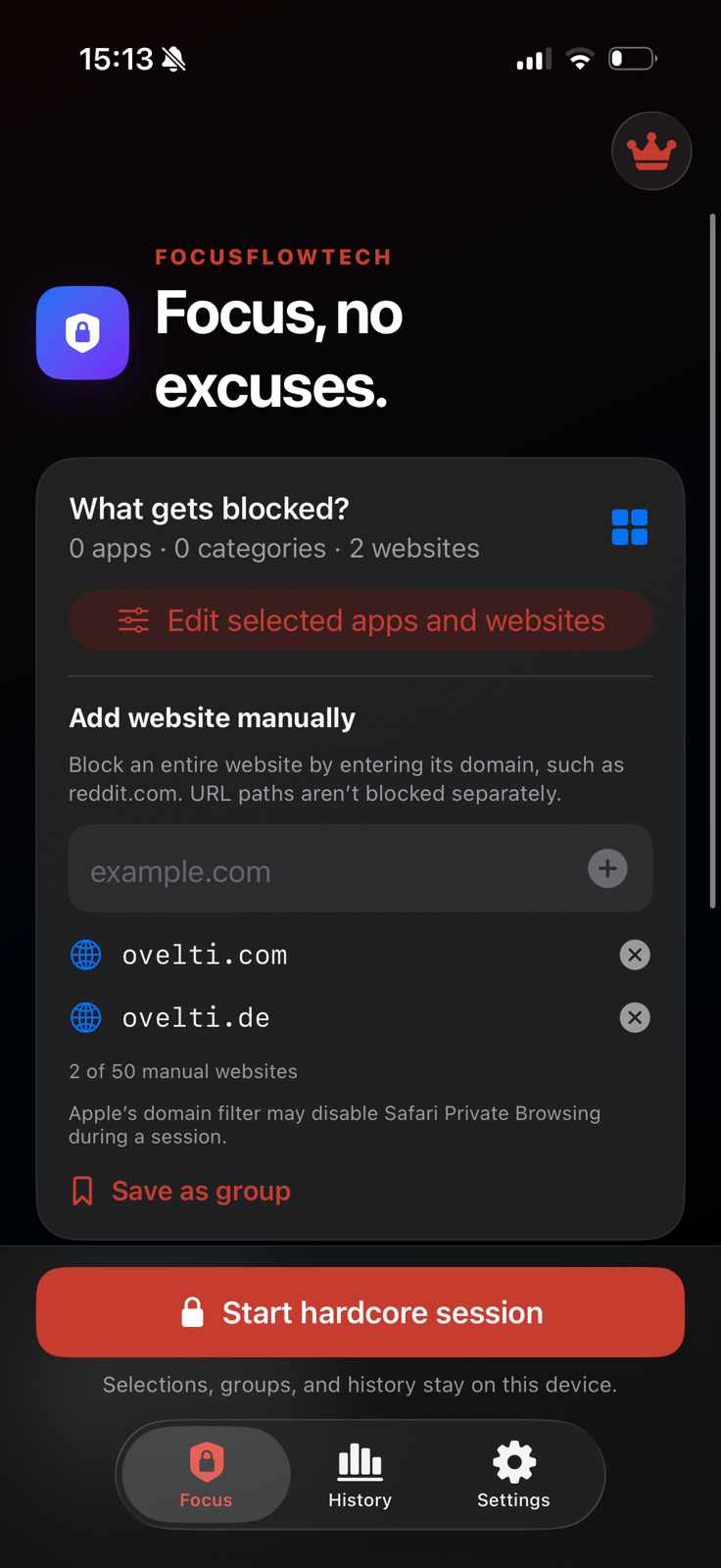
Block selected apps, websites and categories, save favourite groups, follow a Live Activity and review completed sessions locally.
Why FocusFlowTech
Useful focus software should respect the attention and privacy it is designed to protect.
Core focus selections stay on your device. The iPhone app contains no ads or behavioural tracking, and completed-session history remains local.
We do not promise an impossible universal anti-bypass. Browser management and operating-system controls remain outside the products’ control.
Chrome and iPhone share a focus principle, while each keeps the controls, purchase flow and system limits appropriate to its platform.
During and after a session
On supported iPhones, an optional Live Activity can show the remaining time. Completed sessions are recorded locally so you can review them without creating an online account.
See iPhone features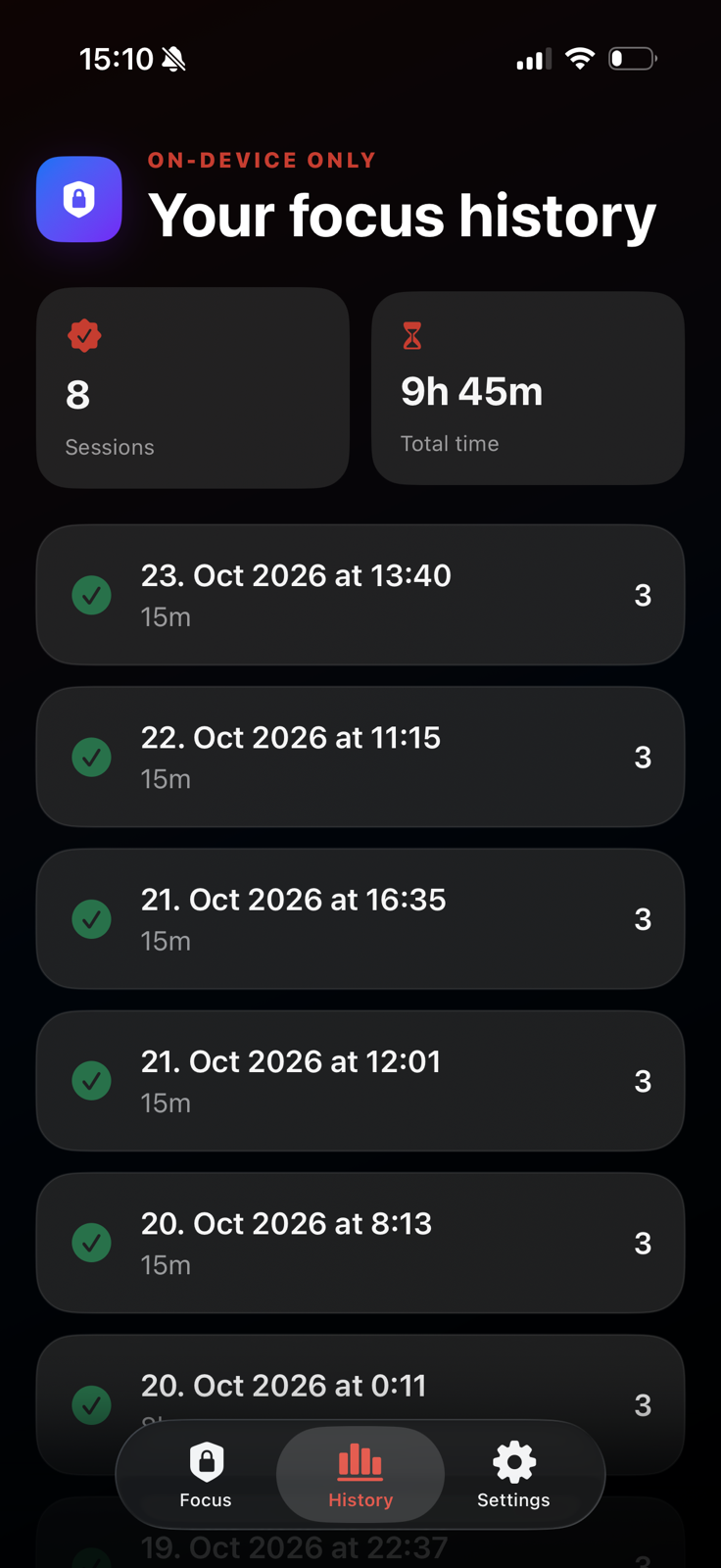
FAQ
Yes. Hardcore Website Blocker is available in the Apple App Store.
No. Chrome is sold through Polar; the iPhone app uses Apple in-app subscriptions. They are separate products and require separate subscriptions.
No absolute anti-bypass claim is made. The chosen controls cannot be paused, shortened or ended early inside the respective product. Chrome extension management and iOS permissions or app removal remain outside the products’ control.
No behavioural tracking is used. The Chrome blocker list and timer are stored locally. The iPhone app keeps focus selections and history on the device; Apple services remain responsible for system permissions, purchases and optional diagnostics.
Email support@focusflowtech.de and mention whether your question concerns Chrome or iPhone.
Available for iPhone