
Apps, categories and websites
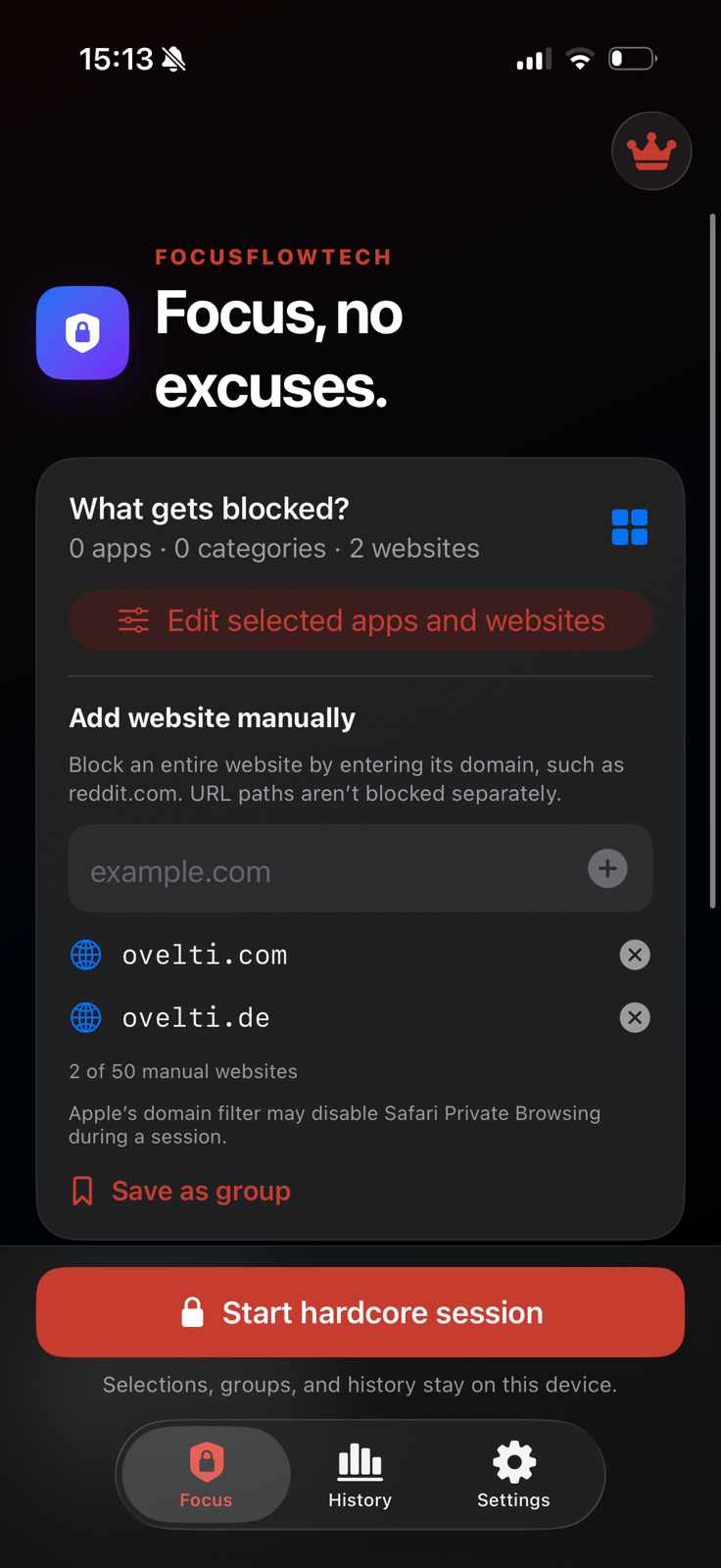
Choose protected app and category tokens through Apple’s picker, add up to 50 domains manually, and save frequent combinations as favourite groups.
Hardcore Website Blocker
Select apps, websites and categories for a focus session you cannot pause, shorten or end early inside the app.
Built for iPhone
Use Apple’s Screen Time selection to choose distractions, add a duration and review the complete session before it begins.
Choose protected app and category tokens through Apple’s picker, add up to 50 domains manually, and save frequent combinations as favourite groups.
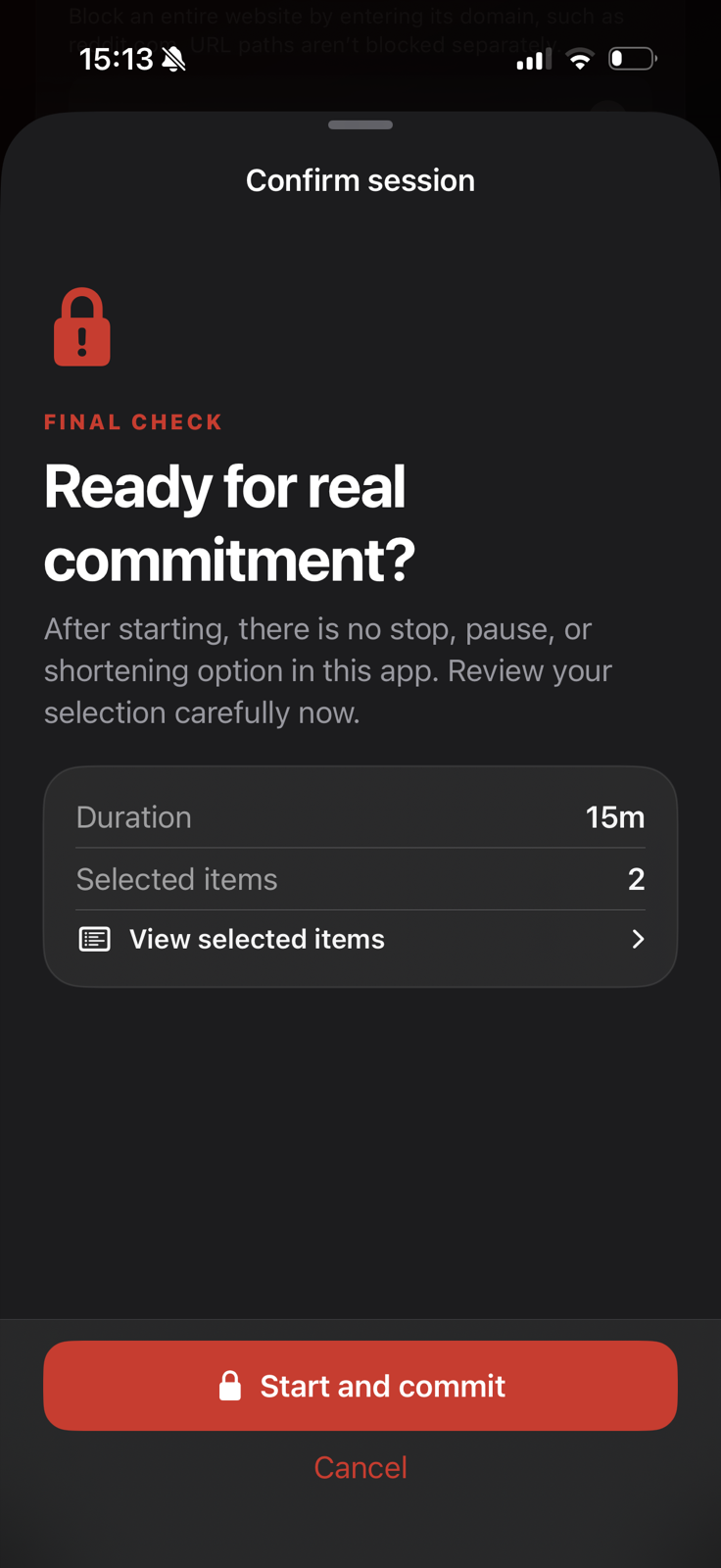
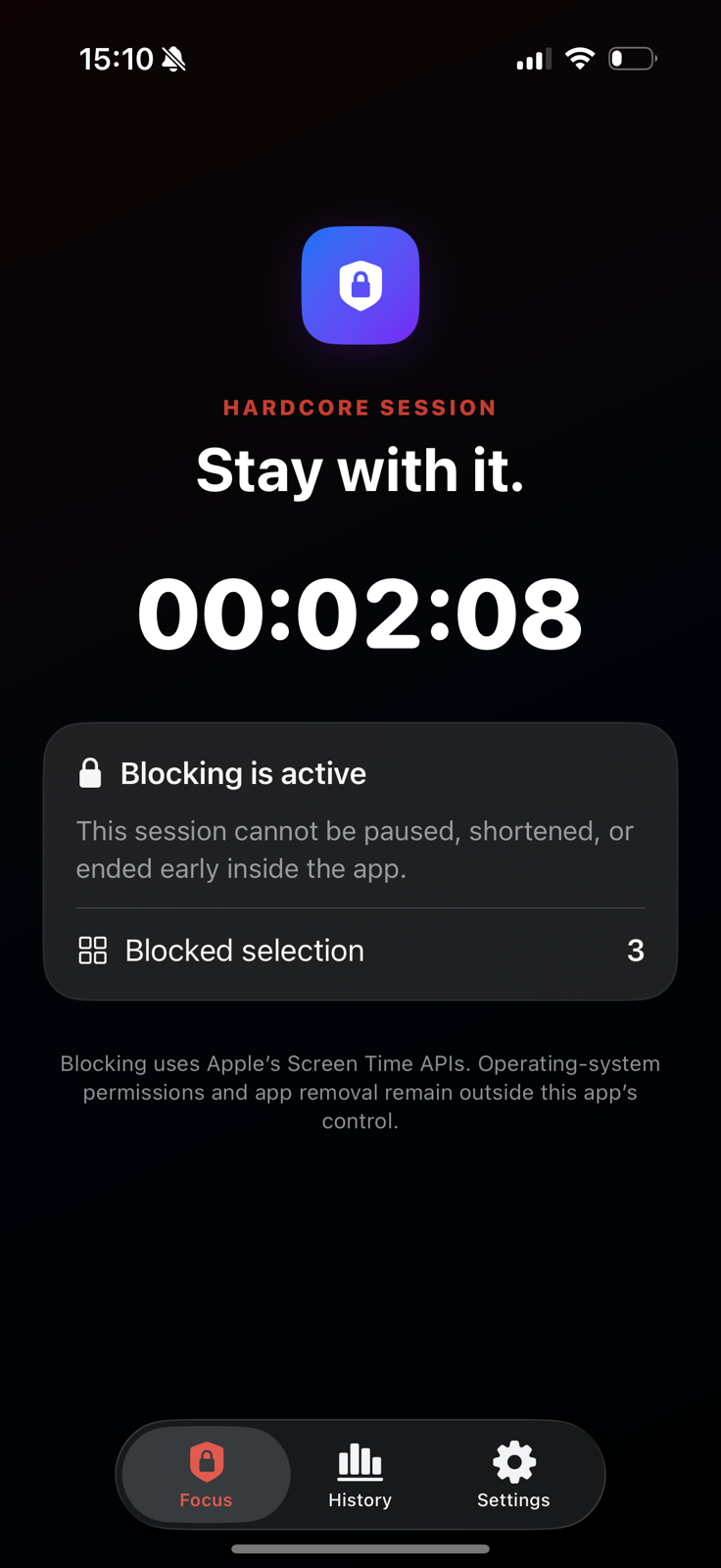
After confirmation, the session cannot be paused, shortened or ended early from Hardcore Website Blocker. Active blocking is restored after the app closes or the device restarts and releases automatically when the session ends.
On supported iPhones, an optional Live Activity can show the remaining time on the Lock Screen and Dynamic Island.
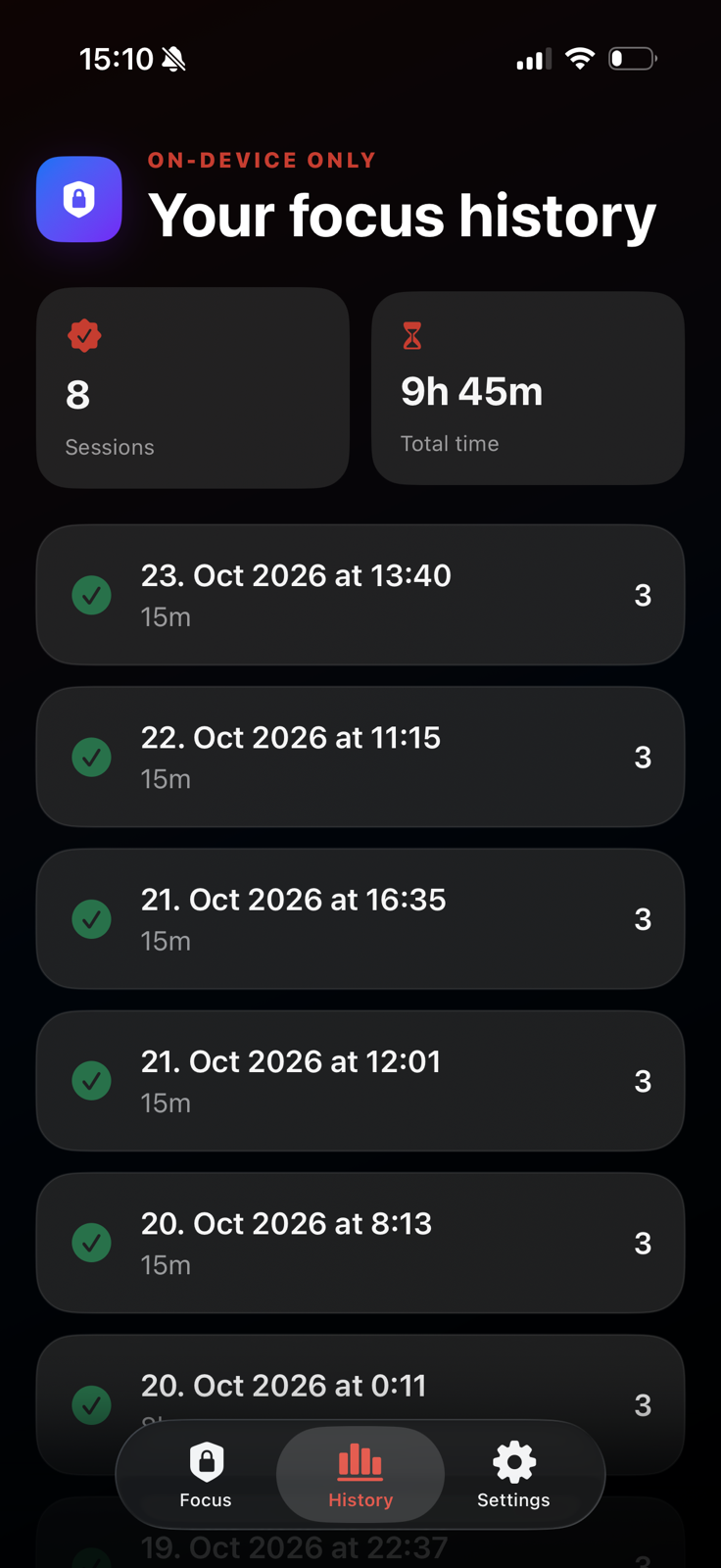
Completed sessions and aggregate totals remain locally available and can be cleared.
The app follows the system language, with iOS-specific language selection supported.
A three-step commitment
Choose what to block, review every selected item and duration, then start the session with a deliberate final confirmation.
On-device only
The app keeps completed sessions and aggregate totals in its protected local app-group container. The history can be cleared in settings.
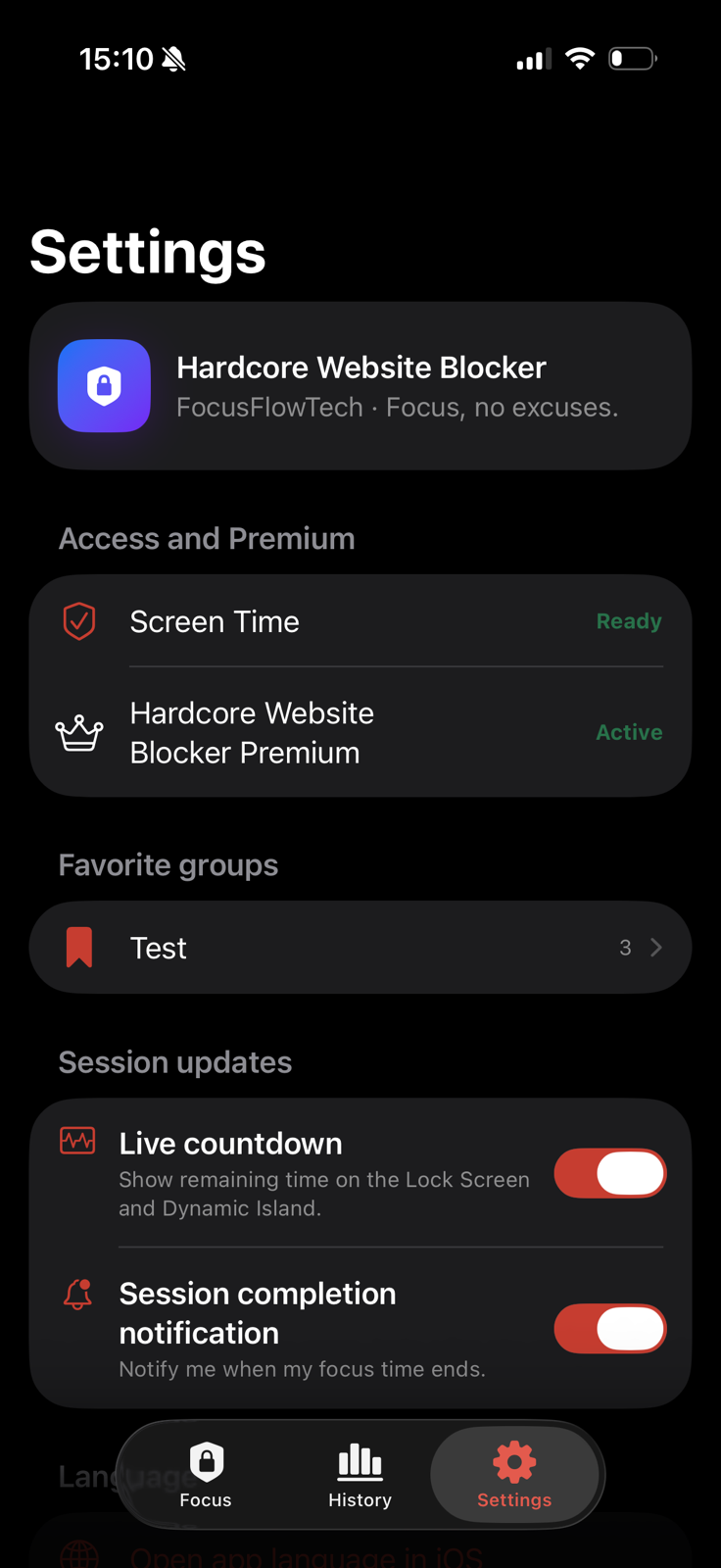
Clear controls
See Screen Time readiness, premium status, saved groups and optional session updates. A local completion notification can tell you when focus time is up.
The app cannot prevent changes to iOS permissions, restrictions imposed by the operating system or removal of the app. Apple controls the Screen Time framework and store environment.
Local by design
The app contains no ads or behavioural tracking. Selections, manual domains and completed-session history remain on the device.
Apple provides opaque Screen Time selection tokens. FocusFlowTech does not receive a readable central list of selected apps.
Manually entered domains are used by the on-device blocking configuration and are not sent to FocusFlowTech.
StoreKit, Screen Time frameworks, optional diagnostics and notifications operate under Apple’s systems and terms.
Apple subscriptions
In the German storefront, Premium is €4.99 per month or €44.90 per year. The iPhone subscription is purchased through Apple and is separate from Chrome.
View in the App StoreiPhone FAQ
Yes. Download Hardcore Website Blocker from the Apple App Store.
No. Apple manages the iPhone subscription; Polar manages the Chrome extension subscription. They are separate products and require separate subscriptions.
Apple subscriptions are managed and cancelled in Apple Account subscription settings. Deleting the app does not cancel a subscription.
Read the central English privacy notice or the German privacy notice. The established iOS-specific URLs also remain available.
Available now for iPhone